












Discounts
Discovery Vitality Members SAVE up to 50% on gym fees. Pay once off activation. T’s & C’s apply.
 +
+
 =
=
50%
Discount
Start Your Way
Control Your Journey
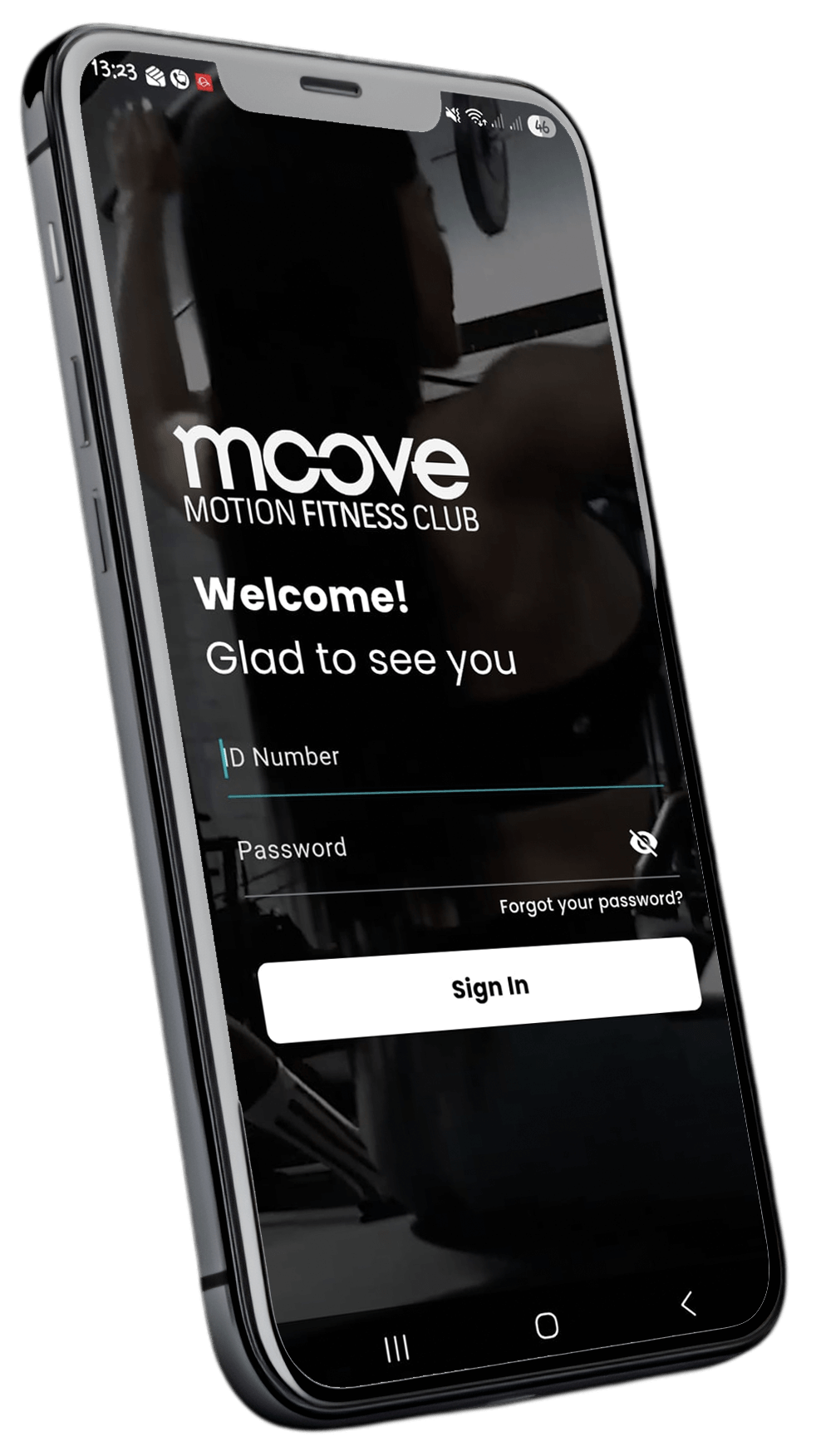
The Moove App is your all-in-one tool for managing your fitness experience without the wait.
Manage membership
Freeze, cancel, or reactivate anytime
Manage account
View account & make payments
Pay arrears
Fast & secure payment processing
Attendance history
View your club access logs
Buy Fit Passes
Purchase additional club access
Book classes
Secure your spot in seconds
Don’t have the app yet?
Download the Moove MFC App on the Google Play Store or Apple App Store.



Support Center
If you couldn't find what you need via our self-service tools, please submit a formal support request.
I want to rejoin the gym
- Don’t have the app anymore? Download it first.
- Log in. Forgot your password? Reset it.
- On the Home page, tap Reactivate at the top.
- Follow the prompts to rejoin.
I want to freeze my membership
- Open the Moove app and go to Profile.
- Tap the gear icon menu in the top-right corner.
- Select Manage Membership, then Freeze Membership.
- Follow the prompts and submit your request.
Important: The minimum freeze period is three months. Your account may not be in arrears, and an administration fee applies
I want to cancel my membership
- Open the Moove app and go to Profile.
- Tap the gear icon menu in the top-right corner.
- Select Manage Membership, then Cancel Membership.
- Follow the prompts and submit your request.
I want to make a payment
- Open the Moove app and go to Profile.
- Tap the gear icon menu in the top-right corner.
- Select Accounts and Billing.
- View the amount due and follow the prompts to make payment.
I want to view my attendance history
- Open the Moove app and go to Profile.
- Tap the gear icon menu in the top-right corner.
- Select Attendance History.
- View your gym access history and download it as a PDF if required
I can't get my Vitality points
If your Vitality points were not awarded, send the attendance report to Vitality so they can review and allocate any qualifying points.
Still need help?
If you couldn't find what you need via our self-service tools, please submit a formal support request.
Submit a Support RequestDay Visit
R250
Single club access for one full day.
PAYG Required
To purchase a Day Visit, you need to create a Pay-As-You-Go (PAYG) membership profile. This allows you to access the club without any monthly charges.
If you have a profile, you can buy through the Moove app.
- PAYG = Pay-As-You-Go
- No recurring monthly fees
- Used only when purchasing visits
Rejoin Online
- Don’t have the app anymore? Download it first.
- Log in. Forgot your password? Reset it.
- On the Home page, tap Reactivate at the top.
- Follow the prompts to rejoin.
Select a Club
How To Purchase a Fit Pass
Don't have a profile? Follow the below steps to create a profile and buy a Fit Pass
-
Select a club
-
Select Moove Pay-As-You-Go (PAYG)
-
Create a Moove Pay as you go Profile
-
Purchase Your Fit Pass